

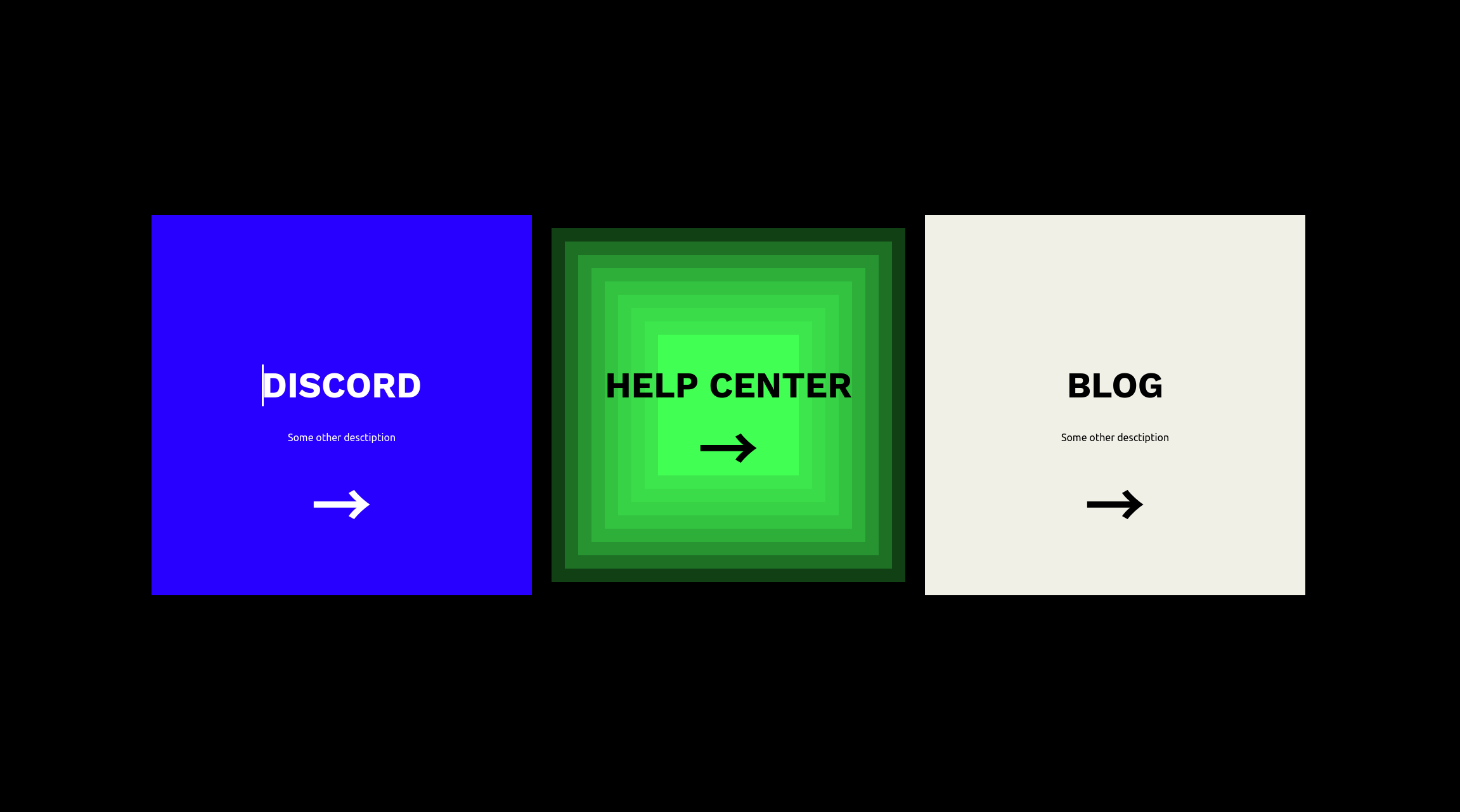
Cool Btn Hover Animation! (react)
D
Hey there!
I'm an electronics engineer who's dabbled in a bit of everything, including full-stack development and web3 technologies. I love building cool stuff and am always looking to connect with other like-minded professionals. When I'm not tinkering with new projects, you can find me scouring the internet for the latest and greatest in tech.
IDK, just some cool btn hover animation.
yoinked it from stream elements landing page.
import { css } from "@emotion/css";
import { useState } from "react";
const number_of_internal_squares = 10;
/**
* Btn is a functional component that renders a button with hover effects.
*
* @param {Object} props - The properties passed to the component.
* @param {string} props.bg_color - The background color of the button.
* @param {string} props.text_color - The color of the text in the button.
* @param {string} props.text - The text displayed in the button.
* @param {number} props.width - The width of the button.
* @param {number} props.height - The height of the button.
*
* @returns {JSX.Element} The rendered button component.
*/
function Btn(props) {
const bg_color = props.bg_color;
const text_color = props.text_color;
const text = props.text;
const [is_hover, setIsHover] = useState(false);
return (
<a
className={css`
width: ${props.width};
height: ${props.height};
color: ${text_color};
font-size: 2em;
display: flex;
justify-content: center;
align-items: center;
position: relative;
transition: all 0.2s;
:hover {
cursor: pointer;
background-color: #000;
}
`}
onMouseEnter={() => setIsHover(true)}
onMouseLeave={() => setIsHover(false)}
>
<div
className={css`
position: fixed;
top: 45%;
left: 50% - ${props.width / 2}px;
display: flex;
flex-direction: column;
z-index: 11;
`}
>
<div
className={css`
font-size: 1.75em;
font-weight: bold;
text-transform: uppercase;
font-family: "Work Sans", sans-serif;
`}
>
{text}
</div>
<div
className={css`
font-size: 0.5em;
margin-top: ${is_hover ? "0px" : "40px"};
height: ${is_hover ? "0px" : "auto"};
overflow: hidden;
transition: all 0.3s ease 0s;
`}
>
Some other desctiption
</div>
<div
className={css`
margin-top: ${is_hover ? "-10px" : "20px"};
font-size: 3em;
font-weight: bold;
`}
>
→
</div>
</div>
{/* DON'T PANIC, the below line is just the range() function in python. */}
{[...Array(number_of_internal_squares).keys()].map((i) => {
return (
<span
className={css`
display: block;
position: absolute;
inset: ${i * 3.5}%;
background-color: ${bg_color};
opacity: ${is_hover ? (i != 9 ? (i == 0 ? 0 : 0.25) : 1) : 1};
transition: opacity 0.3s ease 0s;
`}
></span>
);
})}
</a>
);
}
export default Btn;


